> For the complete documentation index, see [llms.txt](https://copink.gitbook.io/otomate/llms.txt). Markdown versions of documentation pages are available by appending `.md` to page URLs; this page is available as [Markdown](https://copink.gitbook.io/otomate/how-to-check-your-positions.md).
# How to check your positions?
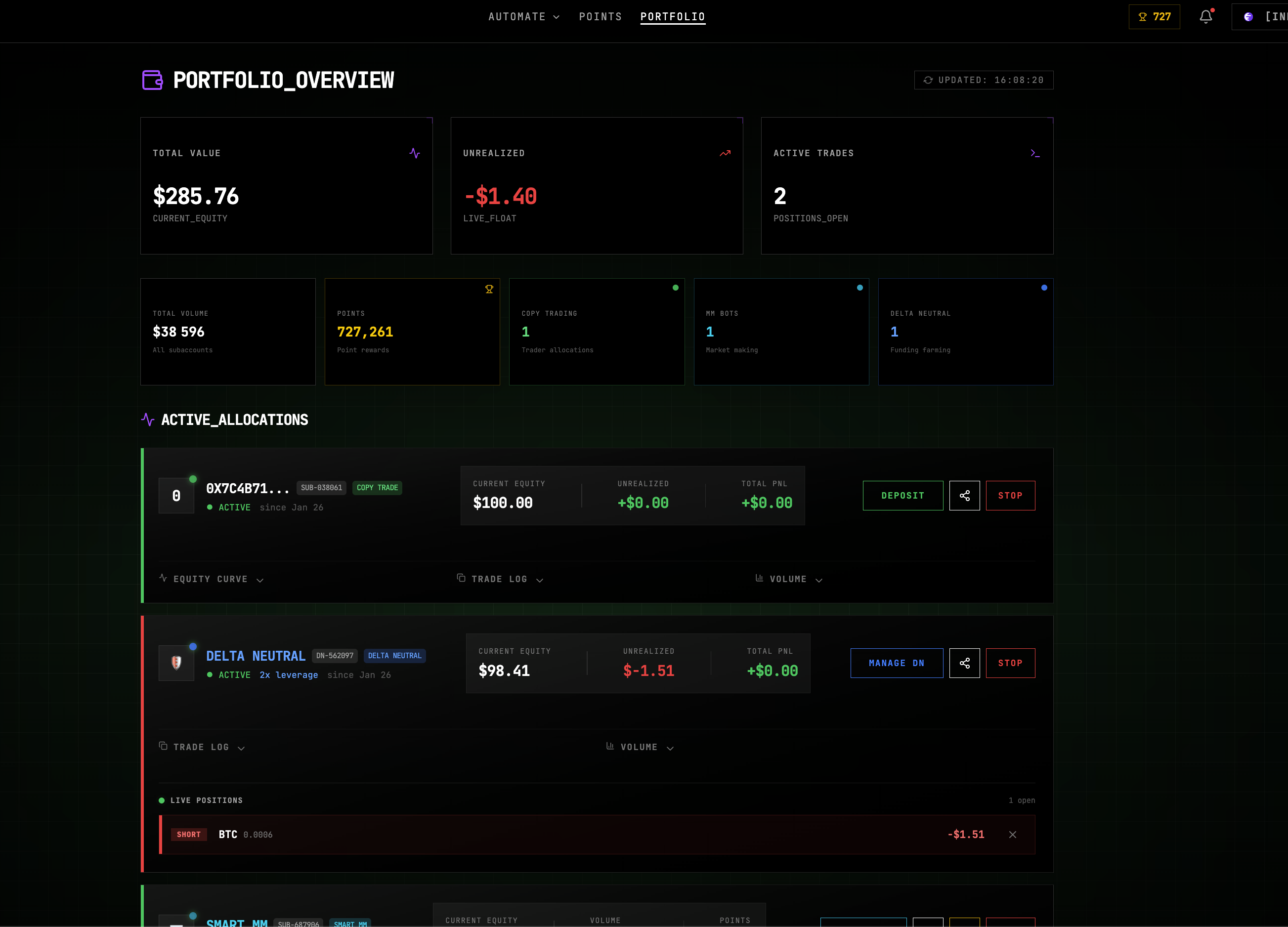
Your dashboard gives you a real-time view of all active allocations executed on Nado and settled on Ink.
From this page, you can:
* Monitor performance in real time
* Stop or pause an allocation
* Adjust exposure when available
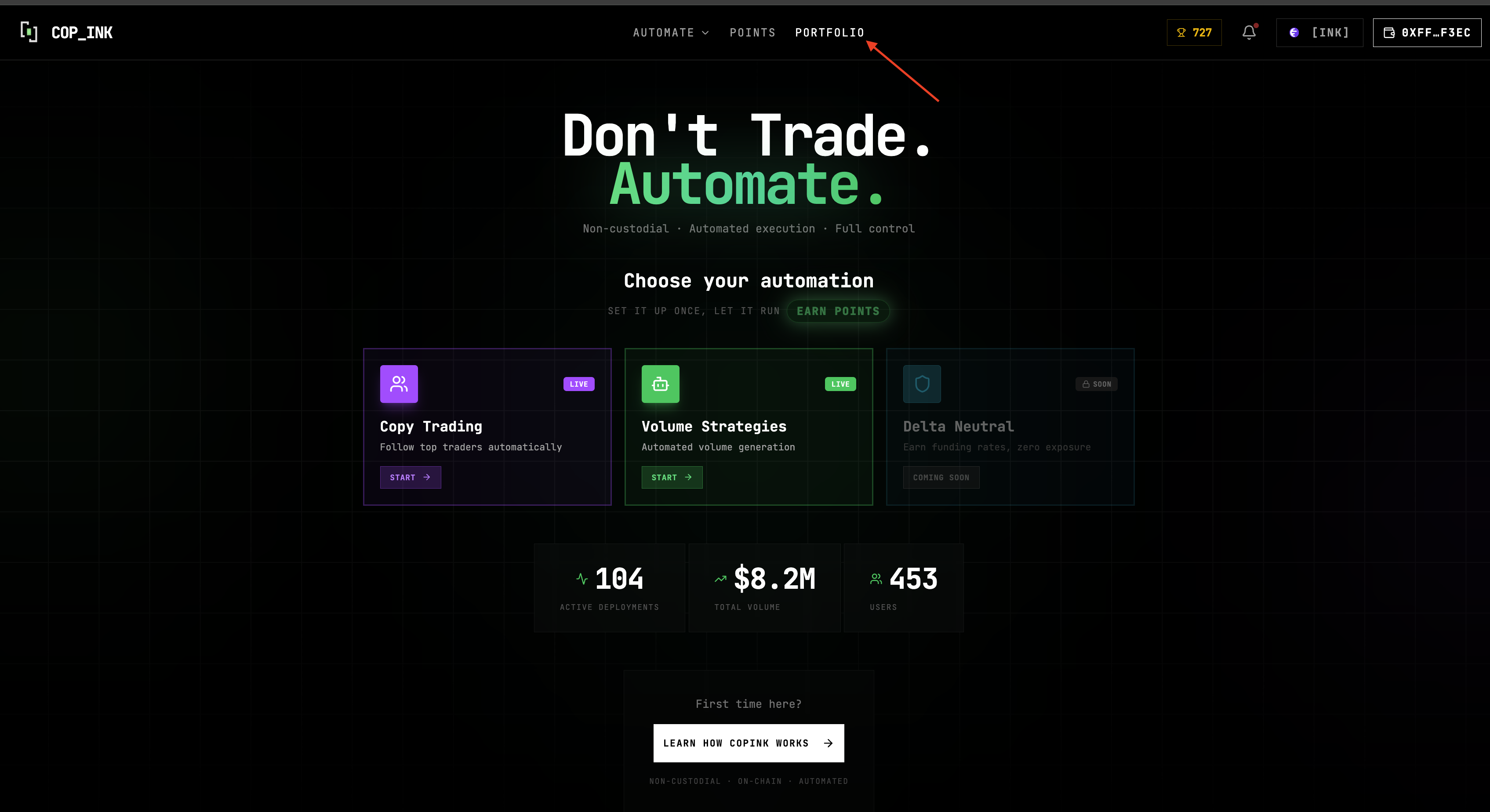
1. Click on "Portfolio"\
\
2. This section shows your current positions.\
You can monitor performance and interact with each allocation directly.